

Troi Dialog Plug-in is a very powerful tool for displaying all sorts of dialogs in FileMaker Pro. The text of the dialog and of the buttons can be created dynamically by using a calculation.

Troi Dialog Plug-in adds powerful dialog functions to FileMaker Pro:
With the Dialog plug-in you can calculate the text and the buttons of your dialog box in a script. You can add data from fields or variables and also change the labels of the buttons. This enables you to give database users more detailed information, including text from fields or variables.
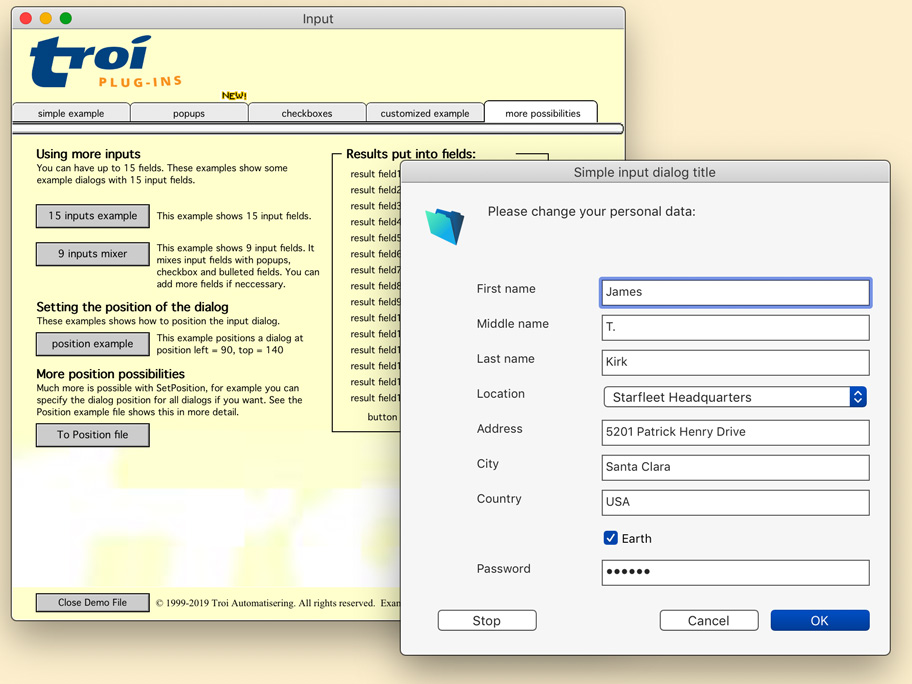
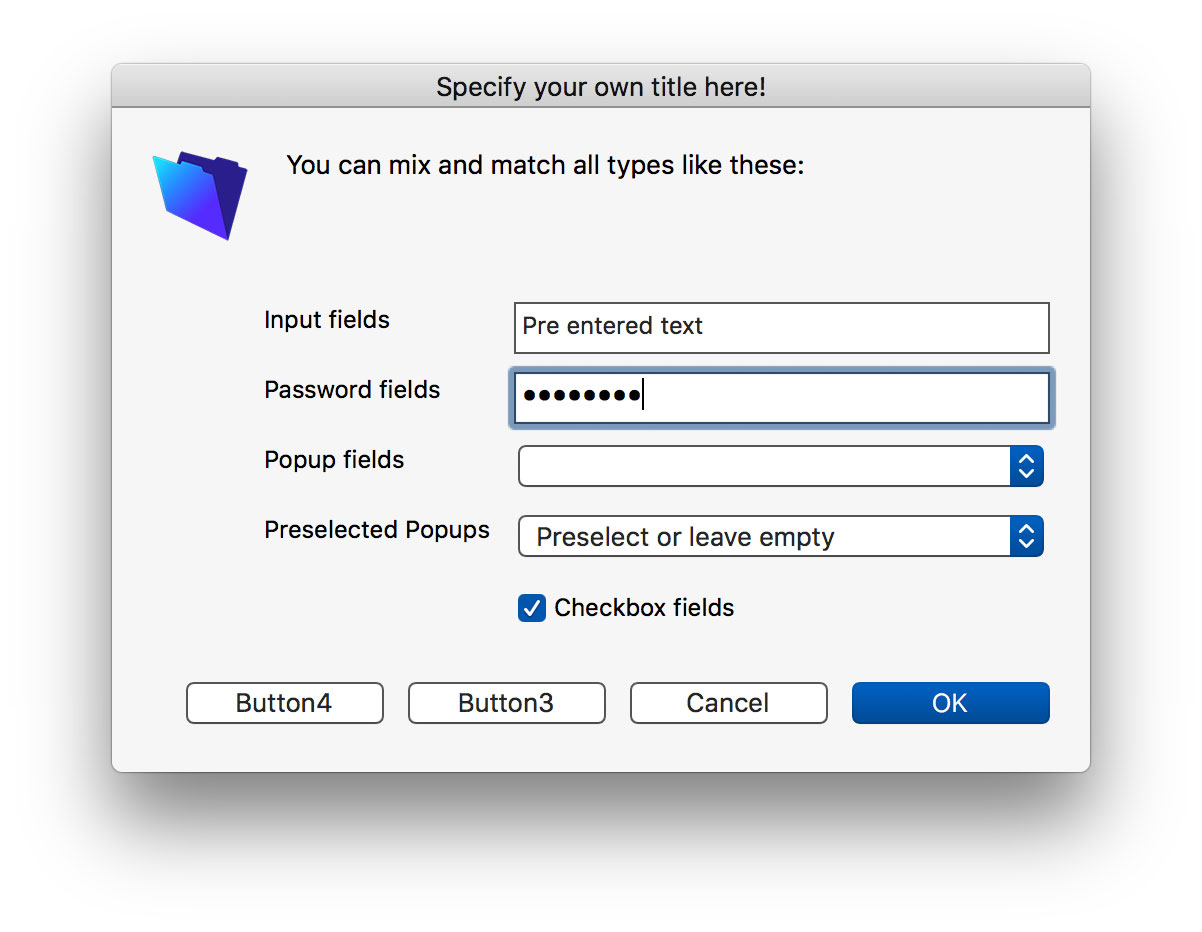
Show a dialog with up to twenty input fields, where the user can type text or a password (no need for a special bullet font to be installed!), choose an item from a pop-up list or mark a checkbox. All input fields can be filled with pre-entered values and you can specify in which field the input dialog will start. You can control the labels for the input fields: align them left or right (close to the input fields) and specify their color to be black or grey.
Popups in the input dialog can display values from a second value list. The selected value from the first value list is returned. You can use this for example with a list of ItemIDs and a list of ItemDescriptions. The descriptions are shown to the user, while the ID is returned.
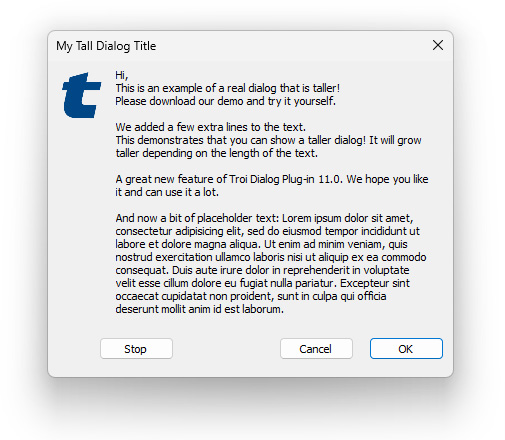
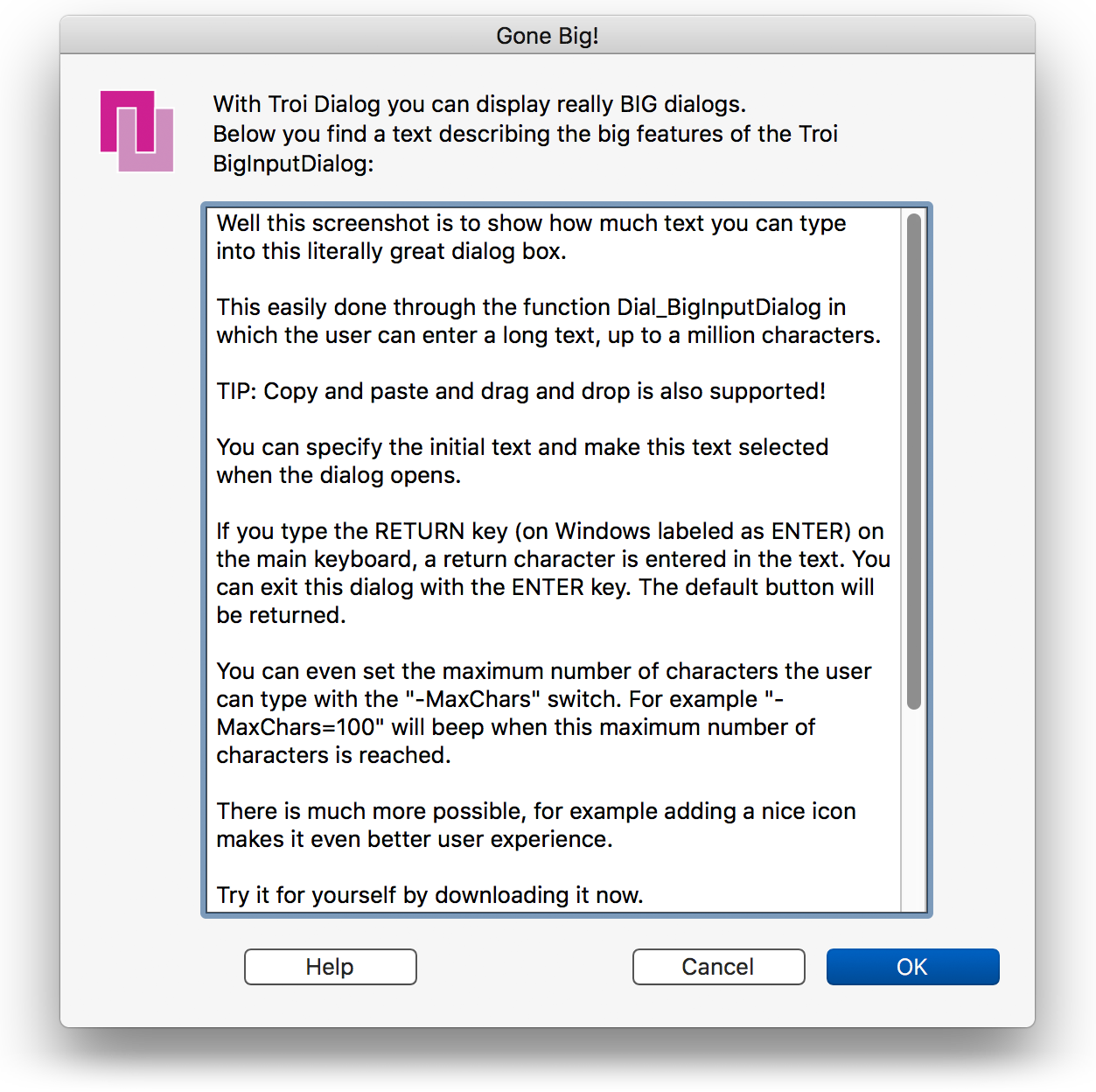
With Troi Dialog plug-in you can display a big input dialog box, in which the user can type (or edit) long pieces of text. You can specify how many characters the user needs to type before buttons are activated and also the maximum number of characters allowed. Moreover, you can prefill the text, set the size of the window, choose the title for the dialog and give it a standard icon or your own icon.
We added support for using several keyboard shortcuts in the edit fields of the InputDialog and BigInputDialog functions. On macOS you can use undo (command-z), redo (command-shift-z), copy (command-c), paste (command-v), cut (command-x) and select all (command-a). On Windows you can use undo (control-z), copy (control-c), paste (control-v) and cut (control-x).
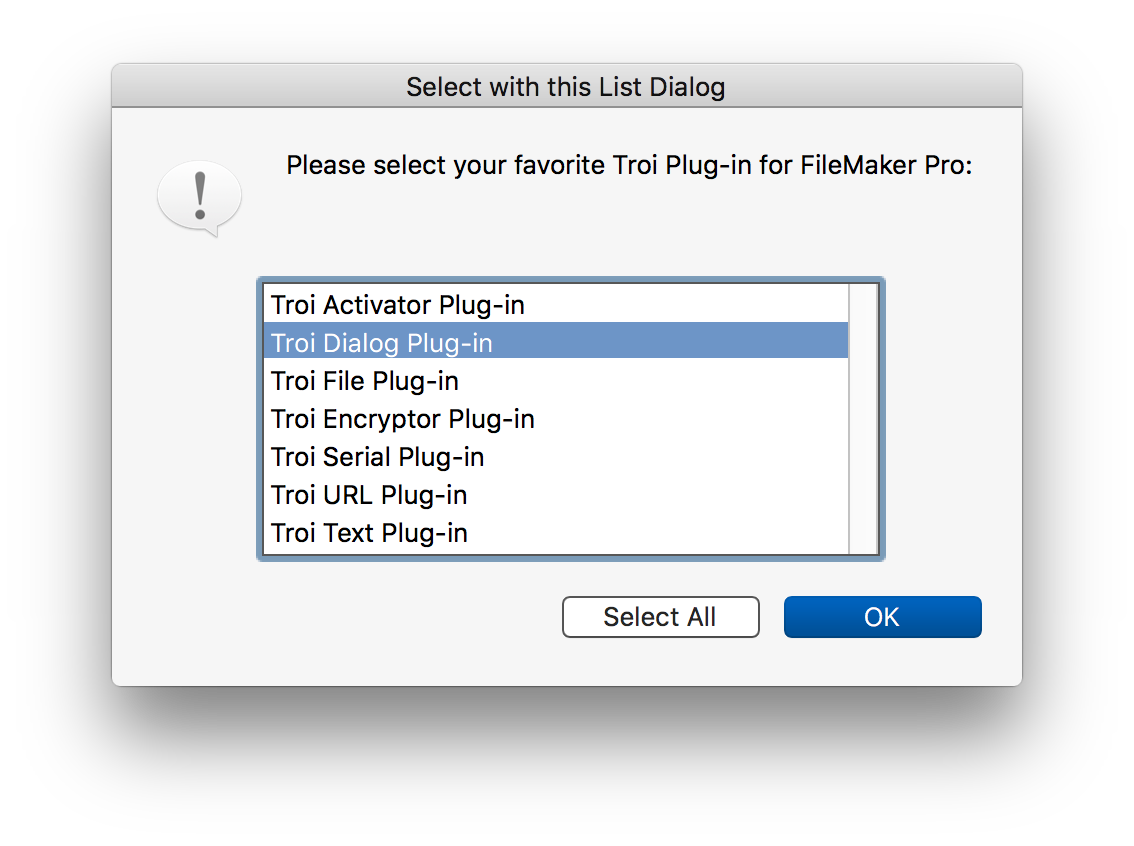
With Troi Dialog plug-in you can display a list dialog box, from which the user can choose an item. Note that the OK button is disabled until the user chooses an item. The list dialog box is completely customizable, including setting icons.
Using the switch -AllowMultipleSelection in the ListDialog function will allow the user to select multiple items from the list. Command-a (macOS) or control-a (Windows) can be used to select all items. The selected items are returned separated by the pipe character or optionally by a return character, if the items can contain the pipe character (for example in file names). You can also preselect multiple items.
We’ve added functions to make it easier to put the data entered and the number of the button clicked by a user into separate fields: ready for further use!
With Troi Dialog plug-in you can show a flash dialog that will stay visible only for a fixed amount of time, for example 4 seconds. Great to give extra instructions to a user, without the user having to dismiss the dialog. You can specify a countdown text to be displayed at the bottom of the dialog, for example the text “This flash dialog will dismiss in <secs> seconds”. The plug-in will substitute <secs> with the number of seconds remaining.
For lengthy operations you can show a progress bar. Customize it with a standard or your own icon.
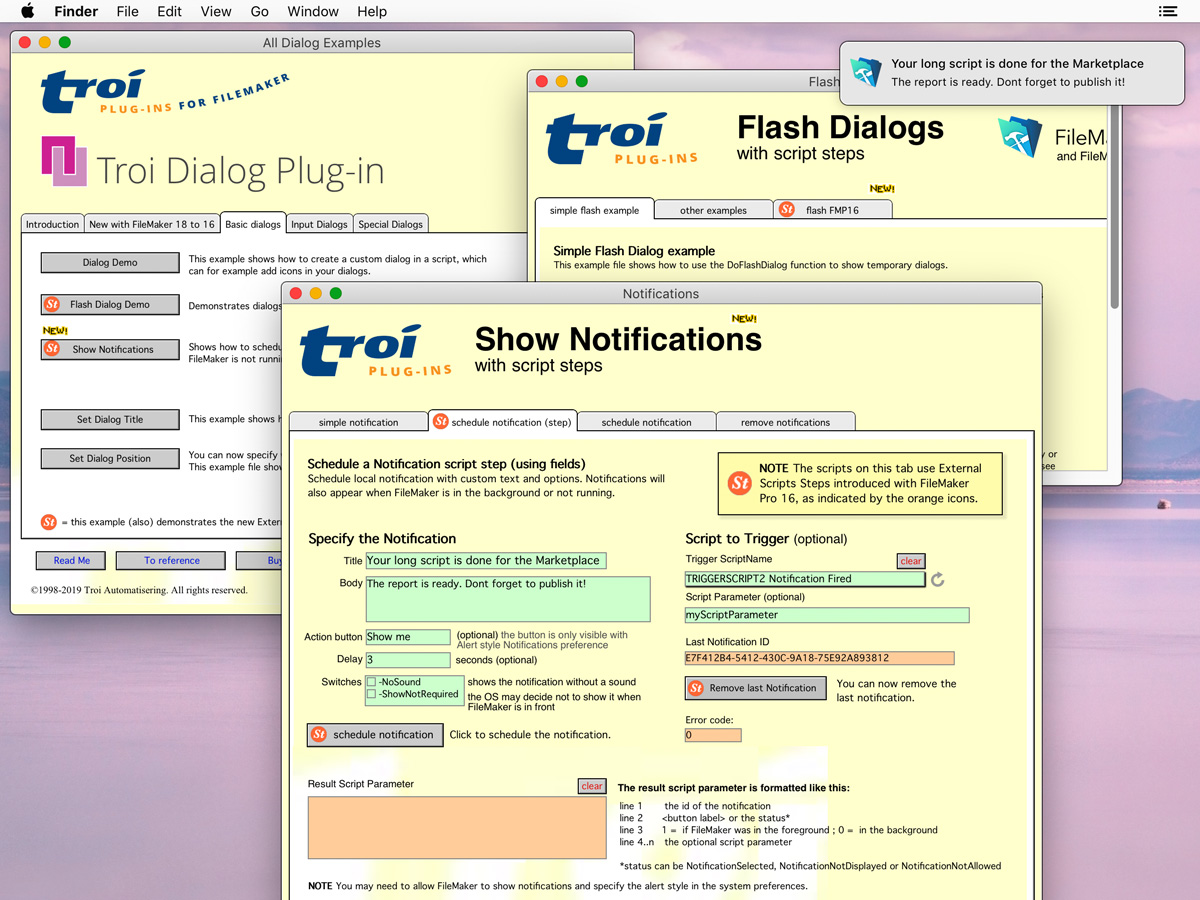
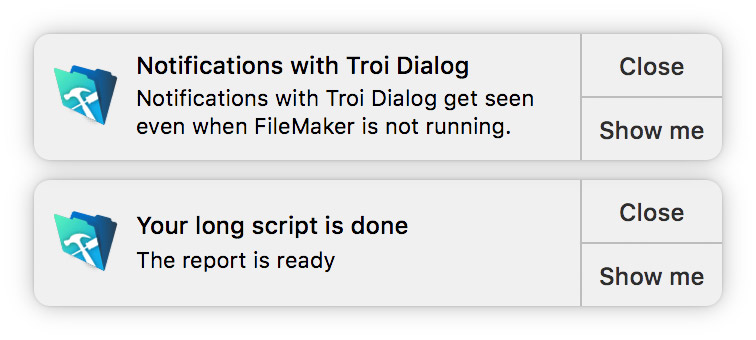
Troi Dialog Plug-in lets you display a (local) notification on screen (and in the notification center), even when FileMaker is in the background or not running. This way your user can work in a different application and be notified for example when his report is ready. You can also choose to have a script triggered when the user clicks the notification, for example taking him to a specific layout.
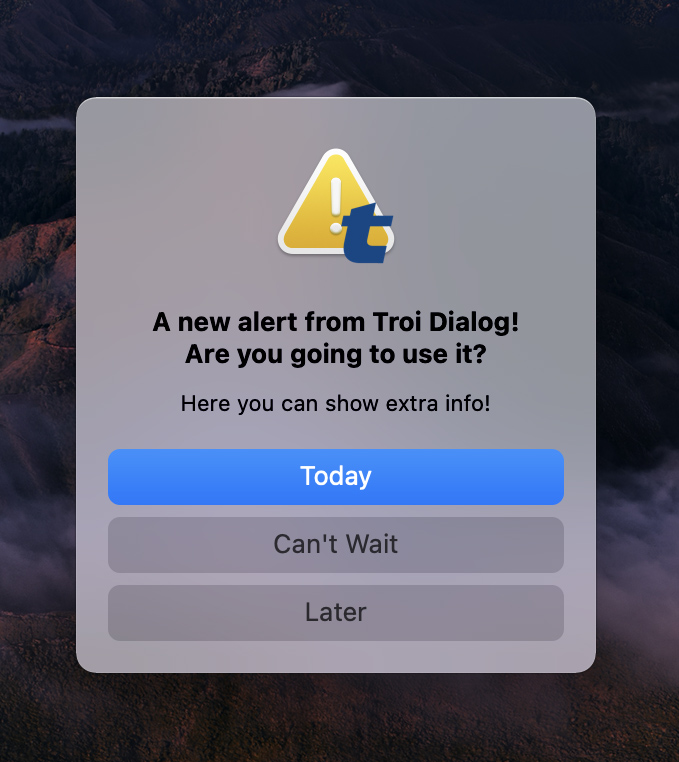
The Show Alert Dialog script step lets you display an alert dialog to the user. This dialog has a main message and an optional extra and longer informational text, displayed in a smaller font. You can add up to 4 buttons and an (optional) custom title and custom icon. On macOS 11 (Big Sur) and later, the alert will be shown with a card-like user interface, with most content center aligned. Also note that in this case buttons can be shown vertically and you can show your custom icon as a small badge to the warning (exclamation) icon.
You can state precisely where you want the dialog box to appear on the screen. The plug-in will make sure the dialog remains visible even if your coordinates are outside the screen’s reach. On macOS you can even determine on which screen the dialog should appear, if you are using more than one. We have added functions to easily determine the dimensions and centerpoint of your screen(s) or FileMaker window, so you can position the dialog accordingly.
Giving your solution that extra quality!
You can add a standard icon or your own icons, in standard size or extra large. Custom icons from a PNG image, including transparency, are supported.
You are free and invited to test the plug-in before you pay. Troi Dialog Plug-in is fully functional in demo mode, it will only stop working after 5 hours of testing. Download your copy here.
Troi Dialog Plug-in 12.1 is tested and made compatible with Claris FileMaker Pro 2025 (FileMaker Pro 22.0.6), macOS 26 (Tahoe) and Windows 11 version 25H2. This version also adds initial compatibility with an upcoming new FileMaker version.
We have added a new “-ItemSeparator=return” switch to the Dial_ListDialog function.
If you add this switch you can specify the items as a list, with each item separated by a carriage return. You can use this if the items can contain the pipe character (for example in file names). Note that if the user selected multiple items the returned result will also be a list (with the return character as separator). We have improved the ListDialog.fmp12 example file to demonstrate the new switch.
On macOS we improved the startup registration of the plug-in. When the FileMaker Pro app is translocated and running from a random location, the registration file will now also be searched in “/Applications”.
We also improved the registration workflow and added an option to disable further registering of the plug-in by adding the handling of a special DONT_REREGISTER_THIS_PLUGIN tag.
Please see the Version history below for a complete list of improvements and bug fixes in this and earlier versions.
Improved compatibility
New functionality and improvements
Bug fixes and changes
Improved compatibility
New functionality and improvements
Improved Notification triggering
Improved security
Startup Registration Log
Other bug fixes and changes
New functionality
Improvements and bug fixes
New functionality
Improvements and bug fixes
Improvements
Bug fixes
Troi Dialog Plug-in 9.0 (for FileMaker 15 to 19) (November 10, 2020)
New functionality
Other changes and improvements
Version 8.0 (for FileMaker 14 to 18) (October 13, 2019)
New functionality
Other changes and improvements
For older release notes please see here.
We offer the following licenses for Troi Dialog Plug-in:
single user, 10-user and 25-user license: these are meant for using the plug-in client-side, on FileMaker Pro and FileMaker Pro Advanced, including with files hosted by FileMaker Server. You need a license for every user that makes calls to the plug-in’s functions.
developer license: this license is meant for FileMaker developers, who want to include the plug-in with their database(s) or custom app(s) and distribute it to their end-users. Each of your end-users may use the plug-in with up to 25 users (contact us if any of your customers has more than 25 users). The number of organizations you distribute the plug-in to and the number of databases or apps you distribute it with are not limited. Works on FileMaker Pro and FileMaker Pro Advanced, including with files hosted by FileMaker Server.
Go to the developer license page for more info.
All licenses work both on macOS and on Windows.
| single user license | US $ 69 per user | |
| 10-user license | US $ 299 | |
| 25-user license | US $ 489 | |
| developer license | US $ 489 |
If you have a license for a previous version, you can buy an upgrade for version 12.x. If you bought a license for version 11 on or after January 1, 2024, the upgrade to version 12.x is FREE! Note: eligible users have been sent a new v.12 registration code. Contact us if you have not received yours.
If you bought a license before January 1, 2024, you will need to buy an upgrade to use version 12.x:
| single user license upgrade | US $ 39 per user | |
| 10-user license upgrade | US $ 159 | |
| 25-user license upgrade | US $ 239 | |
| developer license upgrade | US $ 239 |
Below are a few things our users had to say about Troi Dialog Plug-in:
Timebox Solutions Ltd. use Troi Dialog Plug-in with their TBX Postcode Plug-in. They include it with their product “as it makes a very good demonstration of one way to implement postcoding functionality using AFD Postcode Plus. We are happy to recommend Troi Automatisering’s plugins and have used many Troi plugins for many years.”
“And may I say that I LOVE Troi Dialog, it just keeps getting better and better. My solution for music and art schools, StudioSchool Pro, relies heavily on it for a variety of custom dialogs handling everything from payments and refunds and to sort selections for label output.”
Will Loving, Human Data Design
“The dialog plug-in is without question the most important FileMaker plug-in in our arsenal (I would argue the most important FileMaker plug-in period). Easily worth ten times the price.”
Shawn Hogan, Lead Engineer at Digital Point Solutions
“Thanks very much for sending this version of the plug-in and answering my query so quickly. I’ve given the plug-in some testing and as far as I can tell it has fixed my problem. I’m extremely pleased with your level of customer service. Keep up the great work.”
Dan Burgess, Information Systems Administrator, South of England Open College Network, University of Brighton
“Troi Dialog was the first and it’s still the best. Now we’ve got a bunch of me-too software coming out four or five years after Troi led the way. They’re going to have an awfully tough time matching Troi’s record for stable code, stellar support, and indispensable features. I literally will refuse to work on any major FileMaker project without Troi Dialog. I trust it completely to be a key part of my solutions, and going without it is simply an incredible waste of time.”
Jay S. Levin, Turtle Solutions
“Your products are simply put… “GREAT”.”
Ernest A. Abrams, MacBusiness Consulting
“If you’re looking to produce a professional-looking solution using FileMaker, then this dialog box plug-in is a must-have.”
Richard Dyce, MacUser UK
“The Troi Dialog plug-in has lots of features making it worth every cent of the US$29.”
Kent Lendrum, HOD Computer Studies, Mount Maunganui College, New Zealand
“Buying the Developer’s License for the Dialog plug-in was the best FMP-related investment I’ve ever made!”
Kieren Richard MacMillan, head database developer of kierencom, Toronto, Canada
“Thanks, you make great products!”
Peter Payne, J-LIST, the Japanese anime web site, www.jlist.com
“I have been using your Troi Text, Dialog and ClipSave plug-ins with great success. Thank you very much.”
Doug Rider, FileMaker Pro database developer of InterRiderWork
“I have been testing your “Dialog” plug-in V2 …… It´s great!!!!”
Michael Junior Nielsen, database developer of FSA Partner member Junior, www.junior.dk
“This new version of the Dialog Plug-in is great. Thanks and I love it!”
Matt Klein, Small Business Computers of New England
We are still collecting more comments. If you have any remarks on the Dialog Plug-in please send us your comments. Thanks!
Click images to enlarge
Dialog Plug-in online help
Function and script step reference.
Dialog Plug-in FAQ
See a list of Frequently Asked Questions about this plug-in.
Second Value List in a dialog pop-up
How to display an input dialog with a popup, which displays the values of a second value list, while returning the chosen value from the first list.
Troi Dialog Plug-in 7.5.4
Download version 7.5.4 for older versions of FileMaker Pro or Mac OS X.
Dialog Plug-in Conversion from FileMaker Pro 6
(Older) information on how to convert databases which use Troi Dialog, from FileMaker Pro 6 to FileMaker Pro 7 and later.
Give your database that extra quality by giving users the best feedback!