
Missing plug-in message
When you run a FileMaker script with a missing plug-in you can get this error dialog:
The previous script step, “<Unknown external script step from missing plug-in ( Xmpl 1234 )>”, could not be completed because of an error. Do you wish to continue with this script?”
In this example the error message shows the internal plug-in ID Xmpl and the number of the script step, 1234.
Plug-in IDs of Troi Plug-ins
To help you identify which plug-in is missing we have provided a list of IDs of our Troi Plug-ins:
| Plug-in ID | Plug-in Name |
| T7ac | Activator Plug-in |
| T7di | Dialog Plug-in |
| T7en | Encryptor Plug-in |
| T7fi | File Plug-in |
| T7se | Serial Plug-in |
| TrP7 | Text Plug-in |
| T7ur | URL Plug-in |
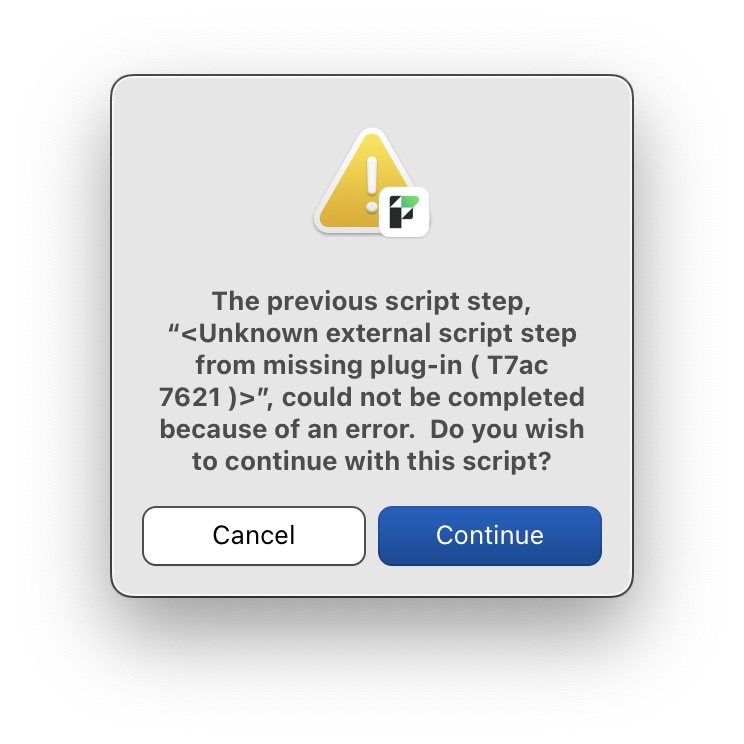
Example error message, in this case for the Troi Activator Plug-in.
To fix this problem you should download and install the Troi Plug-in that is missing.
See also Installation Support.